Ever tried switching to a new phone and realised the most crucial part is not address book migration; it is ensuring nothing important gets lost. Switching Dental Software is very similar to this. Clinics already are loaded with patient data, appointment schedules and billing information. Data migration becomes a challenging task.
It sounds overwhelming at first. But with the right approach and the right support, migrating old clinic data is not at all stressful. In fact, it can be one of the finest upgrades your clinic will ever have. In this blog, we will explore 7 crucial tips for seamless data migration while switching to Dental Software.
Why Data Migration Is Critical When Switching Dental Software
Switching Dental Software is essentially transferring its operational memory from one platform to another. Daily care essentials are appointment history, patient records management, patient images and billing records. Poor healthcare data migration can disrupt workflows. This will ultimately affect clinic efficiency and patient trust.
Data can be of two types.
1. Manual paper records
Paper records can be digitised and migrated into Dental software by scanning records and accurate data entry. The shift from paper to a digital system supports Green Dentistry initiative by eliminating paper usage and promoting environmentally friendly clinic operations.

2. Electronic records
Existing digital patient records can be transferred with ease with the support of an able technical team, who understand the system architecture thoroughly.
A structured data migration ensures continuity of care, protects sensitive information and enables clinics to start using the new application with confidence from day one.
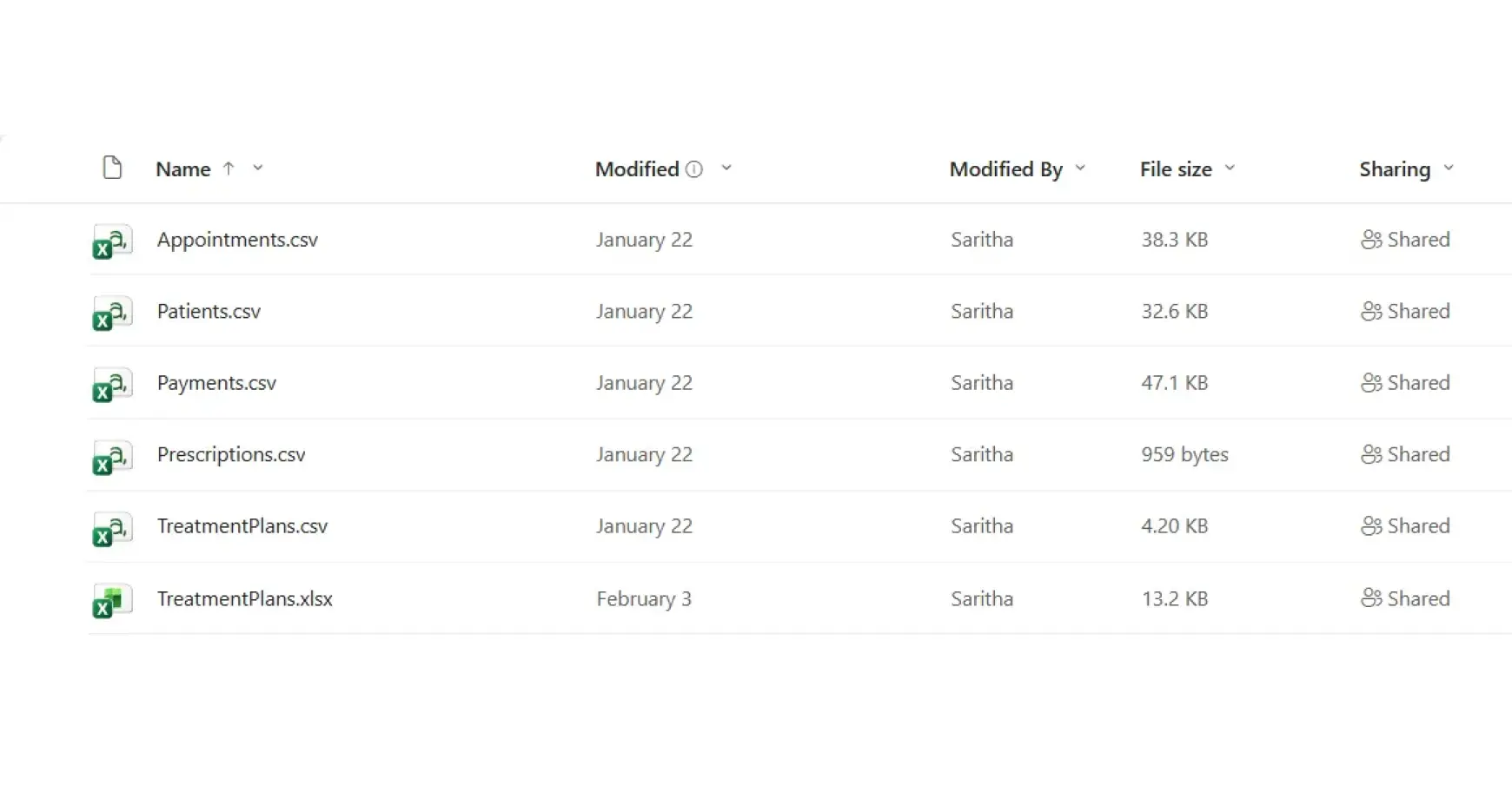
7 Tips for Smooth Data Migration When Switching Dental Clinic Software
1. Audit Existing Data First
Review what is available before migrating data. Scan for outdated and duplicate records and clean them up. A refined, well-organised database makes the data migration process faster and more accurate.
2. Define Migration Goals Clearly
Define explicitly what needs to be moved and what can be archived. Setting clear priorities is one of the most important data migration best practices. This helps Dental Clinics avoid unnecessary complications.
3. Map Old Data to the New System
Data is viewed and structured differently by different software. Mapping patient data carefully ensures the right information lands in the right field post software data migration.
4. First Test a Sample Migration
Always run a pilot data transfer using a small batch of patient records. This will help identify compatibility issues before the actual full-scale migration begins.
5. Prioritise Compliance and Security
Patient information security is most crucial. Ensure regulatory compliance through encrypted channels and protocols to guarantee secure data migration.
6. Train Your Team Early
Clinic staff should be trained beforehand on how and where to access migrated data. Updating them early avoids confusion after the clinic goes live.
7. Join hands with a sound Migration Team
The risk of data loss is minimised when working with a technically sound migration team. Experienced teams tend to anticipate data migration challenges much earlier, before they disturb clinic operations.
Common Data Migration Mistakes Dental Clinics Should Avoid
Sometimes, even with precaution and careful planning, many clinics run into data migration issues. Understanding the most common data migration mistakes before time helps Dental clinics prevent data loss and ensure a smooth switch to new application.
- Migrating patient data without proper cleanup. This leads to duplicate data and space buildup.
- Going live too quickly by skipping test migrations. This leads to compatibility issues.
- Undertraining staff and underestimating their needs.
- Missing out on backup procedures
Completely avoiding these mistakes helps Dental Clinics transition smoothly and migrate data with ease.
How the Right Dental Software Simplifies Data Migration
Data migration becomes child’s play with the right software selection.
ERP4 Dentist has onboarded clinics with old records – both manual and electronic – with ease. The ERP4 Dentist Onboarding team follows a structured data migration process that includes the following.
- Existing data auditing
- Data mapping
- Sample testing
- Complete migration
ERP4 Dentist provides a reliable and controlled data migration experience to Dental Clinics.
Conclusion
Clinics need not panic to migrate the existing data into a new system. With meticulous planning and expert guidance, they can efficiently migrate their old data.
ERP4 Dentist, the Best Dental Practice Management Software, has helped countless clinics transition smoothly from both paper-based and digital systems, ensuring their priceless patient records are securely preserved on the new platform.
ERP4 Dentist is equipped with a combination of proven migration strategies and a strong onboarding support team. They hereby ensure seamless and stress-free data migration.
Explore the application by registering for a 30-Day Free Trail today!
FAQs
1.How long does dental data migration usually take?
Timelines vary based on data volume, but most clinics complete migration within a few weeks.
2. Can paper records be migrated into digital systems?
Yes, records can be digitised and structured during onboarding.
3. Is patient data safe during migration?
With proper encryption and protocols, data remains secure throughout the process.
4. Will clinic operations stop during migration?
No, most migrations are planned to minimise disruption to daily workflows.
5. What support does ERP4 Dentist provide after migration?
ERP4 Dentist offers ongoing training and technical support to ensure a smooth transition.